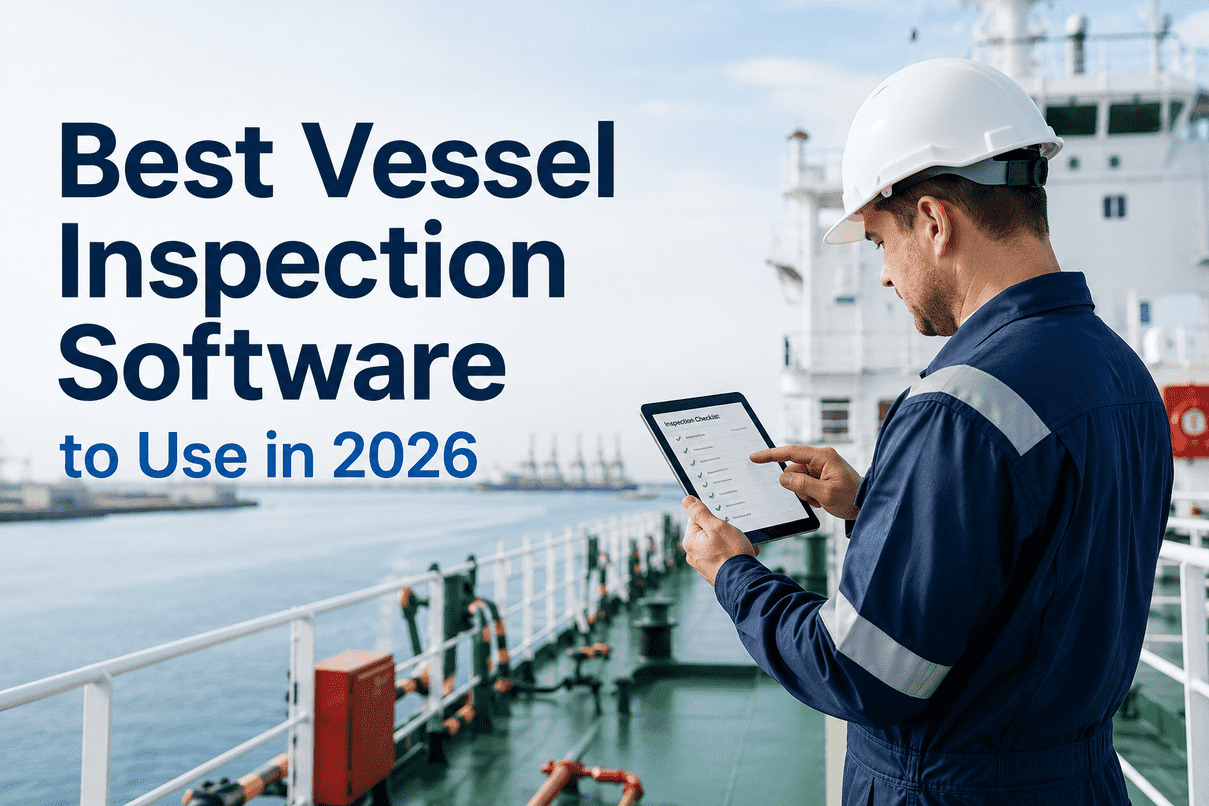
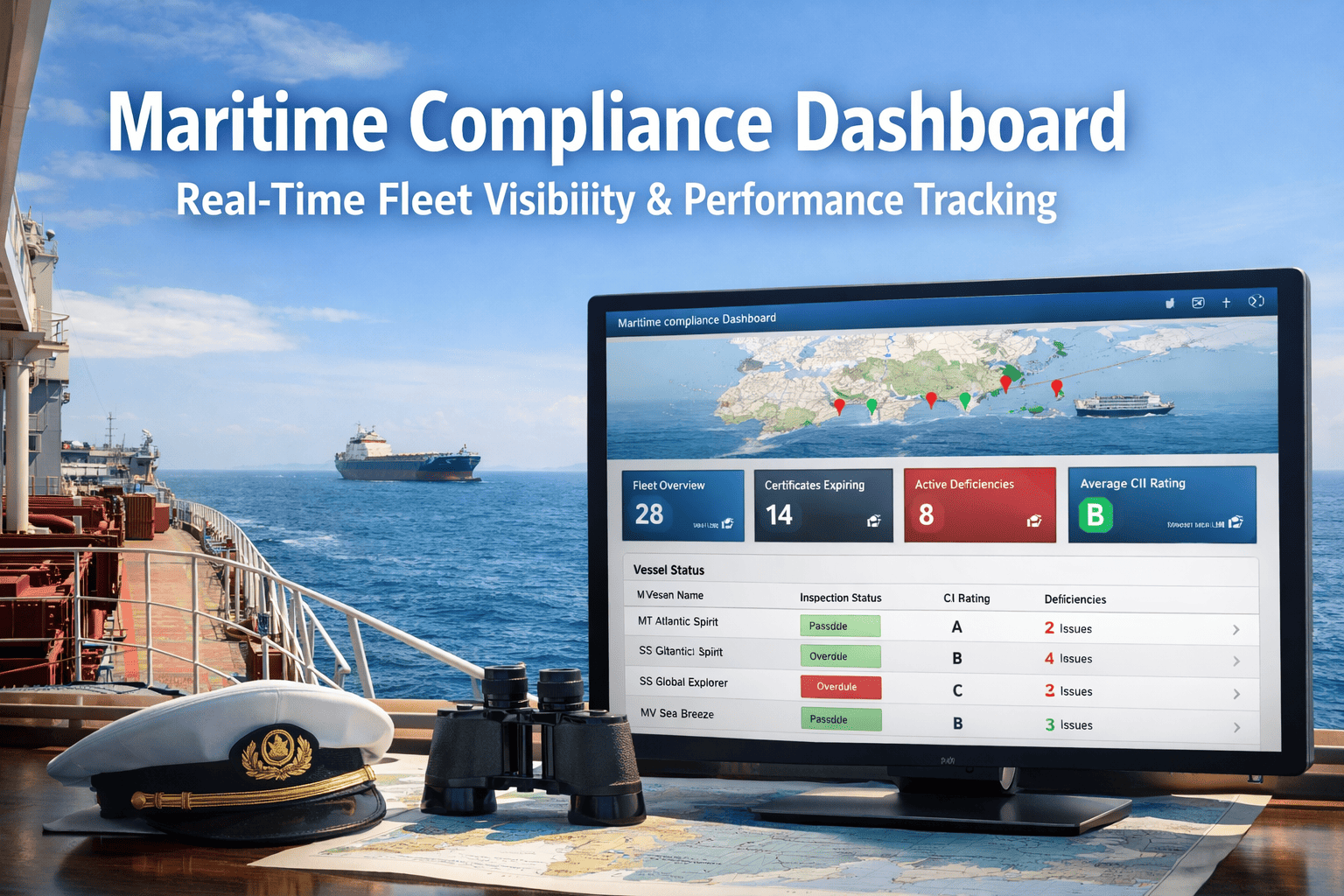
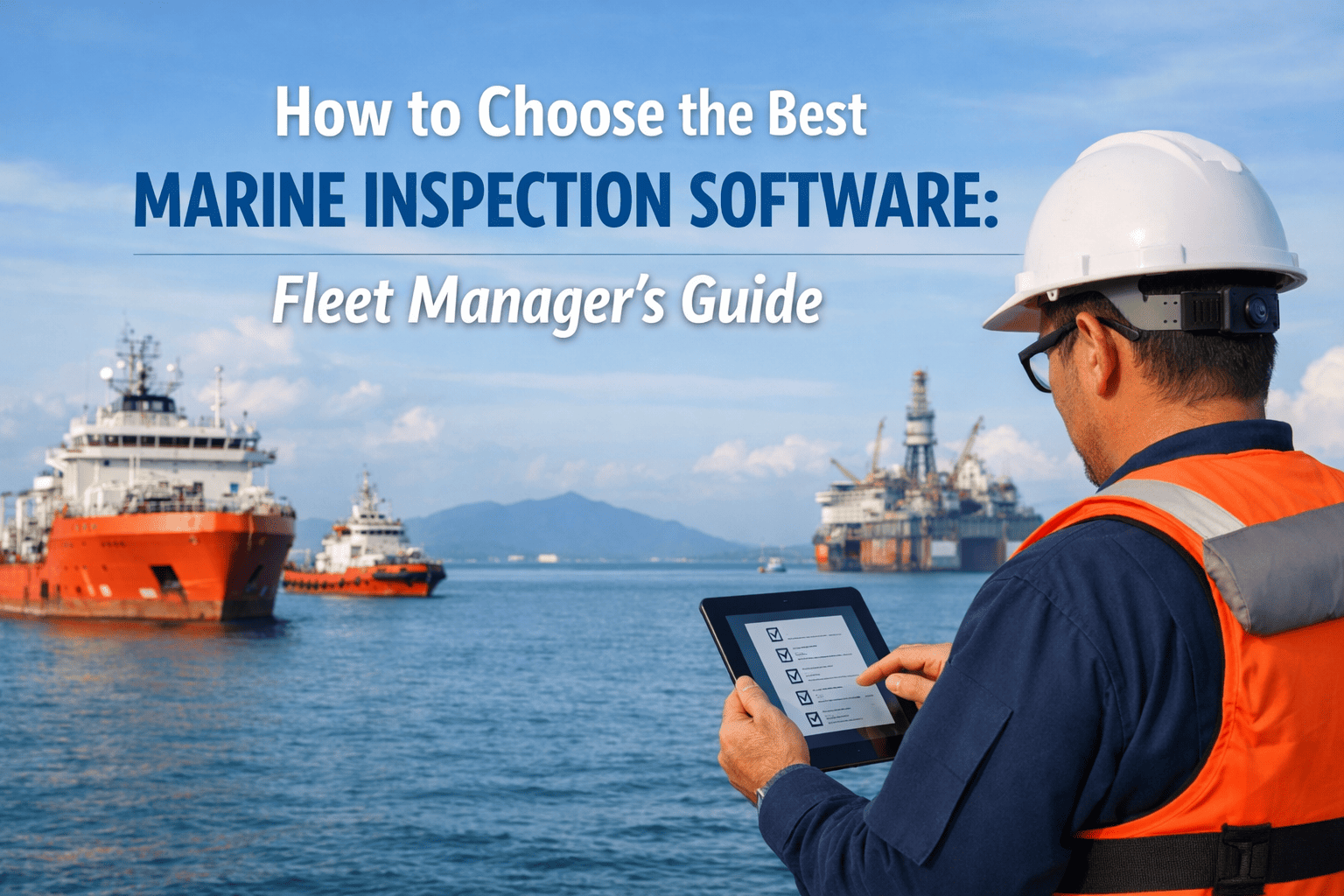
Every commercial fleet runs inspection workflows that do not fit a standard template. A bulker calling Newcastle for coal loading needs a hold readiness checklist tied to the shipper's specific moisture, contamination, and seal protocols. A chemical tanker discharging at a refinery needs a tank-cleaning verification specific to the previous cargo and the next charterer's vetting clauses. An offshore supply vessel arriving at a North Sea field needs a deck cargo securing inspection tied to the operator's lifting manual. A passenger ship turnaround in Civitavecchia needs a guest-area sanitation walk tied to the operator's brand standards. None of these inspections appears verbatim in any standard SIRE 2.0, IMO A.1206(34), or class society template — and yet each carries operational consequence on every voyage. For most of the past decade, marine operators handled this gap with one of three approaches: paper forms drafted in Word and printed before each inspection, Excel spreadsheets emailed across the fleet with version drift after the first edit, or feature requests to inspection software vendors that took quarters or years to deliver. The 2026 environment changed the economics. No-code custom checklist builders — drag-and-drop interfaces where DPAs, technical superintendents, and crew managers assemble fleet-specific inspection forms in minutes without touching a line of code — moved from category novelty to operational necessity. Jotform, Paperform, VesselForms, and maritime-specific platforms including PRIME Marine's Forms Manager now treat drag-and-drop field assembly, conditional logic, photo capture, recurring schedules, and mobile offline execution as table-stakes capabilities. The shift mirrors what happened in workflow automation a decade earlier — power moved from IT to the operational owners who actually understand the work. Start a free trial of Marine Inspection to build any custom inspection checklist your fleet needs in minutes with no code.
The shift from vendor-built to operator-built inspection checklists happened in 2026 because the gap between standard regulatory templates and actual operational reality kept widening. Six structural pressures forced fleets to take checklist authoring in-house.
01
Standard Templates Cover 70%, Not 100%
SIRE 2.0, IMO A.1206(34) PSC, class society, and MLC templates cover the regulatory baseline — roughly 70% of inspection scenarios on a typical fleet. The remaining 30% — cargo-specific tank cleaning, charterer-specific vetting, port-specific operational checks, company-specific safety culture surveys — must be authored by the operator.
02
Paper And Excel Failed In Maritime
Salt air, moisture, and rough conditions damage paperwork. Excel templates emailed across the fleet drift in version after the first edit. Manual record-keeping makes trend analysis, maintenance scheduling, and PSC retrieval slow. Paper-and-Excel cannot survive the 2026 documentation discipline standard.
03
Vendor Feature Request Cycles Too Slow
Traditional inspection vendors deliver new checklist types through quarterly or annual release cycles. When the 2026 CIC on cargo securing was announced, fleets needed deployment within weeks, not quarters. Vendor-dependent checklist creation cannot keep up with regulatory tempo.
04
Company-Specific Operational Nuance
Every shipping operator has accumulated company-specific operational knowledge — lessons from incidents, preferences from senior masters, charterer-specific quirks, port-specific protocols. Standard templates cannot encode this nuance. Custom checklist building captures institutional knowledge in deployable form.
05
Operations Owns The Workflow, Not IT
DPAs, technical superintendents, and crew managers understand the inspection workflow better than any IT team. No-code builders move authoring authority to operational owners who can iterate the form alongside the field experience — closing the loop in days rather than quarters.
06
Fleet-Wide Consistency Without Rigidity
A centralized custom builder enforces consistent structure across the fleet (same field types, same evidence requirements, same workflow) while allowing per-vessel-type adaptation (tanker variants of safety walk, bulker variants of hold inspection). Consistency without rigidity is the architectural property no-code builders deliver.
A no-code marine inspection builder is only as expressive as its field palette. Twelve field types cover the substantial majority of marine inspection scenarios — from routine deck rounds through SIRE 2.0 question coverage to drydock condition surveys. Book a builder walkthrough to see how each field type behaves in real marine scenarios.
01
Text Input
Single-line and multi-line text for inspector notes, observations, finding descriptions, equipment identifiers. Validation rules for length, required, alphanumeric.
02
Photo Capture
GPS-timestamped photo capture with EXIF preservation. Annotations and markup. Multiple photos per field. SIRE 2.0 Photo Repository alignment. Cannot be retroactively modified.
03
Pass/Fail Toggle
Binary verification for go/no-go inspection items. Fail responses trigger finding workflows, photo requirements, and corrective action assignment automatically.
04
Rating Scale
Configurable scales — 1-5, 1-10, condition ratings, severity ratings, A-D quality grades. Used for subjective condition assessments where binary pass/fail is insufficient.
05
Dropdown / Multi-Select
Predefined option lists — deficiency categories, equipment types, finding severity, regulatory references. Constrains data entry to ensure consistency across the fleet.
06
Number / Measurement
Numeric input with units (bar, °C, mm, kPa, RPM, ppm). Range validation. Out-of-range readings flagged for finding workflow automatically. Tracked over time for trend analysis.
07
Signature Capture
Touchscreen signature for inspector, master, chief engineer, attending surveyor verification. Cryptographically signed with timestamp and identity. Cannot be replicated or backdated.
08
Date & Time
Inspection date, certificate expiry references, sign-on dates, equipment commissioning dates. Calendar picker with validation against vessel rotation patterns.
09
Document Reference
Linked references to certificates, manuals, procedures, drawings, work orders. Single source of truth — when the linked document updates, the reference stays current.
10
Conditional Logic
If-then branching — show extra fields when a Pass/Fail toggle fails, hide irrelevant sections for vessel type, trigger photo capture when condition rating drops below threshold.
11
Section & Group Headers
Organize the form into logical sections — Fire Safety, Cargo Operations, Engine Room, Accommodation. Collapsible at execution time for inspector focus management.
12
Regulatory Citation Link
Auto-link to relevant regulation — SOLAS chapter, MARPOL Annex, MLC regulation, IMO A.1206(34) reference, OCIMF SIRE 2.0 category. Live link to current regulatory text.
Custom checklist building is not theoretical. Ten specific scenarios recur across fleets in 2026, each representing an inspection requirement that does not appear verbatim in any standard template and that requires operator-specific authoring. Each typically takes under 15 minutes to assemble in a no-code builder versus days in a traditional vendor request cycle.
01
Charterer-Specific Vetting Pre-Walk
Vessel preparing for a major charterer vetting. Charterer publishes specific evidence requirements beyond SIRE 2.0 — accommodation walk-through, drug and alcohol policy verification, voyage planning audit. Operator builds the matching pre-walk checklist.
02
Port-Specific Arrival Inspection
Port has known PSC concentration on specific deficiency areas. Operator builds port-specific pre-arrival checklist hitting those areas — Rotterdam fire safety focus, Singapore documentation focus, Houston structural focus, Panama Canal transit readiness.
03
Cargo-Specific Hold/Tank Readiness
Coal loading hold inspection differs from grain loading differs from ore loading. Crude oil tank cleaning differs from chemicals differs from products. Operator builds cargo-specific readiness checklists matching the next charter requirements.
04
Drydock Pre-Attendance Survey
Pre-drydock condition baseline capturing hull thickness, coating, structural, machinery, cargo system baseline before yard attendance. Operator builds the survey matching the planned repair scope and post-drydock verification checklist.
05
Superintendent Ride-Along Audit
Technical superintendent boards vessel for routine technical audit. Custom checklist captures equipment condition, crew engagement, SMS implementation, near-miss culture — extending well beyond any regulatory checklist.
06
Incident Investigation Witness Statement
Near-miss or incident requires structured witness statements from crew. Operator builds investigation form with conditional logic — different question paths for the chief officer's perspective, the duty engineer's perspective, the bridge watch's perspective.
07
Equipment-Specific Routine Round
Engine room watch rounds, lifeboat readiness, navigation equipment morning check. Each crew member's daily/watch-cycle routine. Operator builds equipment-specific checklists from maker's manual baseline plus company-added items.
08
Safety Culture Pulse Survey
Quarterly safety culture survey of crew — anonymous responses, rating scales, free-text observations, identified improvement priorities. Operator builds the survey matching internal TMSA 3 Element 1 leadership programme.
09
CIC Campaign Response
Concentrated Inspection Campaign announced (2026 cargo securing). Operator builds CIC-specific verification checklist across the fleet within days of announcement — well ahead of vendor template release cycles.
10
Crew Handover Documentation
Master, chief engineer, chief officer handover between rotations. Operator builds handover checklist covering outstanding work orders, ongoing certificate renewals, recent inspection history, charter status, crew issues, equipment condition.
A credible no-code custom checklist builder operates on a five-step workflow from operational requirement through deployed checklist. Understanding the workflow surfaces where DPA and superintendent involvement actually matters versus where the platform handles the heavy lifting.
Step 1
Requirement Capture
DPA, superintendent, or crew manager identifies the inspection requirement — charterer-specific vetting, port-specific arrival, cargo-specific readiness, incident investigation, CIC response.
Step 2
Field Assembly
Drag-and-drop assembly in the builder canvas. Sections, fields, evidence requirements, conditional logic configured. Vessel-type adaptation set per fleet segment. Multi-language localization where needed.
Step 3
Workflow Configuration
Schedule set — one-off, recurring weekly/monthly/quarterly. Trigger conditions defined. Notification routing configured — DPA, master, chief engineer, charterer. Finding categorization rules applied.
Step 4
Pilot & Iterate
Test on one vessel before fleet rollout. Crew feedback collected — usability, time-to-complete, evidence capture quality. Builder iterations refine field order, conditional logic, photo requirements before broader deployment.
Step 5
Fleet Deploy
Published to vessel app library. Crew receives notification at next inspection cycle. Mobile-first offline execution. Findings flow to corrective action workflow. Trend analysis available immediately for shore review.
No-code custom builders are not a replacement for vendor-shipped regulatory templates. They are the complement that handles the operator-specific 30% beyond the regulatory baseline. Understanding the boundary keeps deployment focused.
Custom checklist builder deployment patterns separate fleets that capture the productivity gain from fleets that bolt the technology onto existing manual workflows. Six patterns recur across successful 2026 implementations.
Marine Inspection delivers a no-code custom inspection checklist builder built on the twelve-field universal palette, ten recurring scenario patterns, five-step builder workflow, and integration with the broader vessel inspection platform — IMO A.1206(34) PSC coverage, OCIMF SIRE 2.0 CVIQ library, MLC 2006 and ISM Code regulatory mapping. Start a free trial or book a builder walkthrough to assemble your fleet's most-needed custom checklist live.
Twelve-Field Universal Palette
Text, photo with GPS-timestamp, pass/fail, rating, dropdown, number with units, signature, date, document reference, conditional logic, section headers, regulatory citation link — all built into the drag-and-drop canvas.
Vessel-Type Inheritance
Build once at the fleet level, inherit to vessel-type variants automatically. Tanker, bulker, container, LNG carrier, passenger, offshore supply, ro-ro adaptations applied to equipment lists and inspection focus.
Version Control & Audit Trail
Every version of every checklist tracked. Edit history preserved. Rollback to prior versions supported. Audit trail of who changed what and when surfaces for SMS review and class society audit defence.
Recurring Schedules
Daily, weekly, monthly, quarterly schedule assignment. Crew and shore visibility on what is due and what is overdue. Compliance discipline enforced through workflow rather than reminders.
Mobile-First Offline App
Built checklist deploys to crew app with full offline capability. Engine room and cargo deck inspections complete without WiFi. GPS-timestamped photo evidence. Auto-sync on connectivity restoration.
Findings Integration
Findings logged through custom checklists flow into the corrective action workflow with PMS integration for work order generation. Built checklists integrate with the broader QHSE platform rather than producing isolated documents.
What is a no-code custom marine inspection checklist builder?
A no-code custom marine inspection checklist builder is a drag-and-drop interface where DPAs, technical superintendents, and crew managers assemble fleet-specific inspection forms in minutes without touching a line of code. The builder ships with a field palette (text, photo, pass/fail, rating, dropdown, number with units, signature, date, document reference, conditional logic, section headers, regulatory citation links) that operators combine on a canvas to produce the checklist matching their operational requirement. Outputs include shareable, mobile-offline-capable inspection forms that crew execute on tablet at the next inspection cycle, with findings flowing to corrective action workflows and reporting integrated with the broader inspection platform. The category includes Jotform, Paperform, VesselForms, and maritime-specific platforms such as PRIME Marine's Forms Manager alongside dedicated marine inspection software with built-in builder capability.
Why did no-code custom checklists become necessary in 2026?
Six structural pressures forced fleets to take checklist authoring in-house in 2026. First, SIRE 2.0, IMO A.1206(34) PSC, class society, and MLC templates cover the regulatory baseline (~70% of inspection scenarios) but not the remaining 30% — cargo-specific tank cleaning, charterer-specific vetting, port-specific operational checks, company-specific safety culture surveys. Second, salt air, moisture, and rough conditions damage paperwork, while Excel templates drift in version after the first email edit. Third, traditional inspection vendors deliver new checklist types through quarterly or annual release cycles — too slow for regulatory tempo. Fourth, every operator has accumulated company-specific operational knowledge that standard templates cannot encode. Fifth, no-code builders move authoring authority from IT to operational owners (DPAs, superintendents) who actually understand the work. Sixth, centralized custom builders enforce fleet-wide consistency while allowing per-vessel-type adaptation.
What field types should the builder support?
Twelve field types cover the substantial majority of marine inspection scenarios. Text Input (single-line and multi-line for notes, observations, finding descriptions). Photo Capture (GPS-timestamped with EXIF preservation, annotations, SIRE 2.0 Photo Repository alignment). Pass/Fail Toggle (binary verification with finding workflow trigger on fail). Rating Scale (1-5, 1-10, condition ratings, A-D quality grades). Dropdown / Multi-Select (deficiency categories, equipment types, finding severity). Number / Measurement (with units — bar, °C, mm, kPa, RPM, ppm — and range validation). Signature Capture (touchscreen signature with cryptographic timestamp). Date and Time (with calendar picker). Document Reference (linked to certificates, manuals, procedures, drawings). Conditional Logic (if-then branching). Section and Group Headers (organize the form into logical sections). Regulatory Citation Link (auto-link to SOLAS, MARPOL, MLC, IMO A.1206(34), OCIMF SIRE 2.0).
What scenarios do fleets actually build custom checklists for?
Ten scenarios recur across fleets in 2026. Charterer-Specific Vetting Pre-Walk (charterer evidence beyond SIRE 2.0). Port-Specific Arrival Inspection (Rotterdam fire focus, Singapore documentation focus, Houston structural focus). Cargo-Specific Hold/Tank Readiness (coal versus grain versus ore loading, crude versus chemicals versus products). Drydock Pre-Attendance Survey (baseline before yard attendance). Superintendent Ride-Along Audit (routine technical audit beyond regulatory checklists). Incident Investigation Witness Statement (structured statements with conditional logic per witness role). Equipment-Specific Routine Round (engine room watch, lifeboat readiness, navigation morning check). Safety Culture Pulse Survey (quarterly anonymous crew survey for TMSA 3 Element 1). CIC Campaign Response (2026 cargo securing CIC within days of announcement). Crew Handover Documentation (Master, Chief Engineer, Chief Officer handover between rotations).
How does the builder workflow actually work?
A five-step workflow from requirement to deployed checklist. Step 1 Requirement Capture — DPA, superintendent, or crew manager identifies the inspection requirement (charterer-specific vetting, port-specific arrival, cargo-specific readiness, incident investigation, CIC response). Step 2 Field Assembly — drag-and-drop assembly in the builder canvas with sections, fields, evidence requirements, conditional logic, vessel-type adaptation, multi-language localization. Step 3 Workflow Configuration — schedule (one-off, recurring weekly/monthly/quarterly), trigger conditions, notification routing to DPA/master/chief engineer/charterer, finding categorization rules. Step 4 Pilot and Iterate — test on one vessel before fleet rollout, crew feedback collection, builder iterations on field order, conditional logic, photo requirements. Step 5 Fleet Deploy — published to vessel app library, crew notification at next inspection cycle, mobile-first offline execution, findings flow to corrective action workflow, trend analysis available for shore review.
Does no-code replace vendor-shipped regulatory templates?
No. No-code custom builders are not a replacement for vendor-shipped regulatory templates. They are the complement that handles the operator-specific 30% beyond the regulatory baseline. No-code builders win for charterer-specific vetting requirements, port-specific arrival inspections, cargo-specific hold and tank readiness, company-specific operational nuance, incident investigation forms, superintendent ride-along audits, crew handover documentation, and rapid response to new CIC campaigns. Vendor templates still help for SIRE 2.0 CVIQ question library, IMO A.1206(34) revised PSC checklists, class society survey templates, MLC 2006 Title-by-Title verification, MARPOL Annex compliance baselines, ISM Code Section verification, STCW Chapter VIII watchkeeping, and regulatory citation auto-mapping. Operators benefit from both — vendor templates for regulatory baseline, custom builders for operator-specific overlay.
How does this compare to AI-generated checklists?
The two approaches are complementary. AI-generated checklists work best when the requirement maps cleanly to existing regulatory or industry standards — generate a pre-PSC inspection for a crude oil tanker calling Rotterdam, generate a SIRE 2.0 CVIQ preparation, generate an ISM internal audit. The AI maps the prompt to current regulations and produces a starting checklist in under 60 seconds. Custom builders work best when the requirement is operator-specific and cannot be derived from regulatory text — charterer-specific quirks, port-specific accumulated knowledge, company-specific incident lessons-learned, custom safety culture surveys. The DPA or superintendent assembles the fields directly because they hold the operational context the AI cannot infer. Modern marine inspection platforms support both — AI generation for regulatory baseline plus custom builder for operator overlay — with the same field palette and the same vessel app for crew execution.
How do we get started with Marine Inspection's builder?
Two paths. Start a free trial directly — the platform loads with a starter template library covering the most-recurring custom checklist scenarios (charterer-specific vetting, port-specific arrival, cargo-specific readiness, incident investigation, superintendent ride-along, CIC response) so DPAs, technical superintendents, and crew managers can explore the twelve-field palette, drag-and-drop canvas, vessel-type inheritance, version control, and recurring schedule configuration before any commitment. Or book a 30-minute builder walkthrough with a Marine Inspection product expert — bring your most-painful operational checklist gap to the session, build it live in the demo using the drag-and-drop interface, walk away with a deployable checklist and a sourced consolidation plan with deployment timeline. Most operators identify multiple immediate use cases in the session itself. Both paths converge if you decide to implement — phased onboarding with template library configuration in weeks 1-2 and full multi-vessel custom checklist deployment within a fiscal quarter.