Empower Crew with a Mobile-First Inspection Dashboard
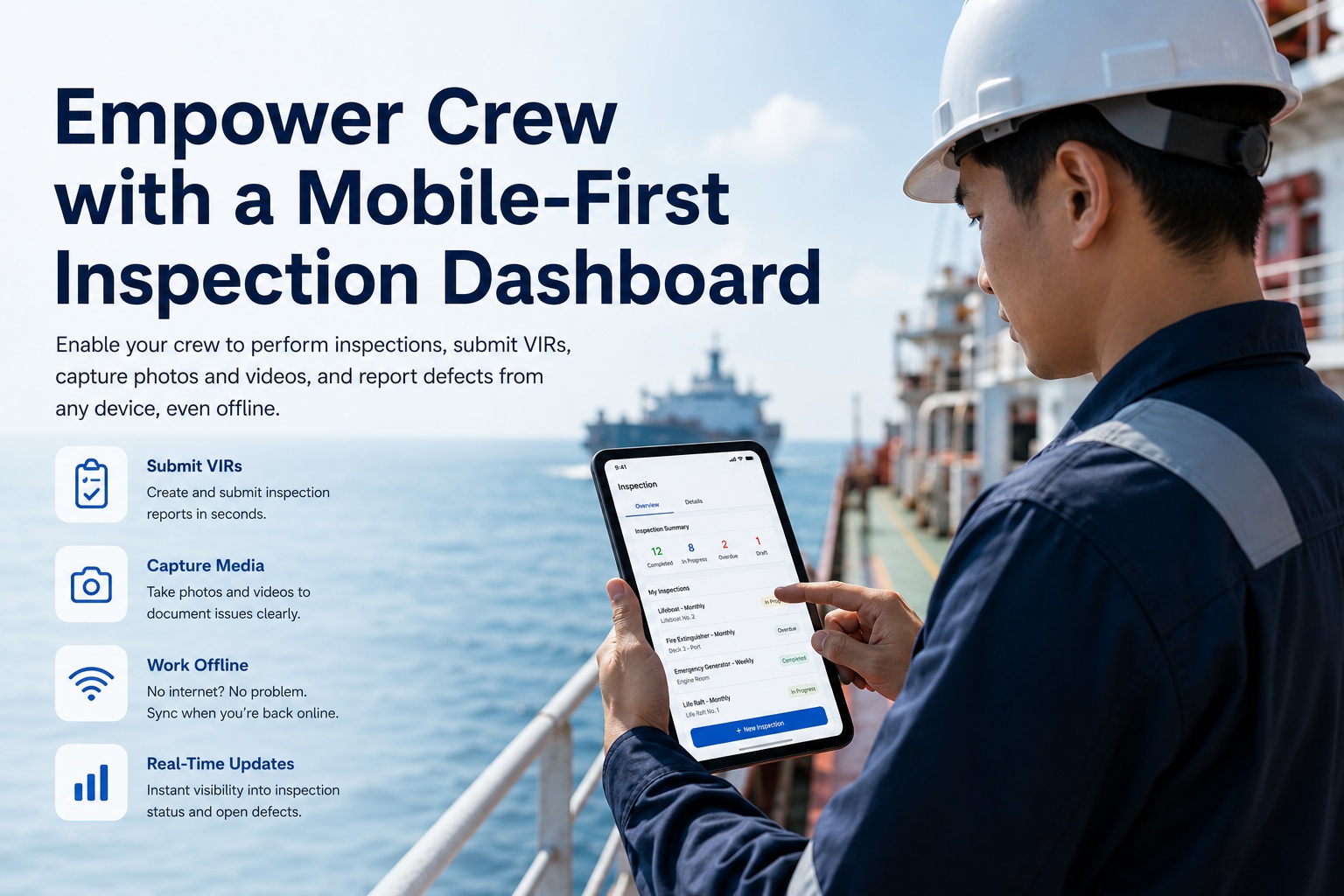
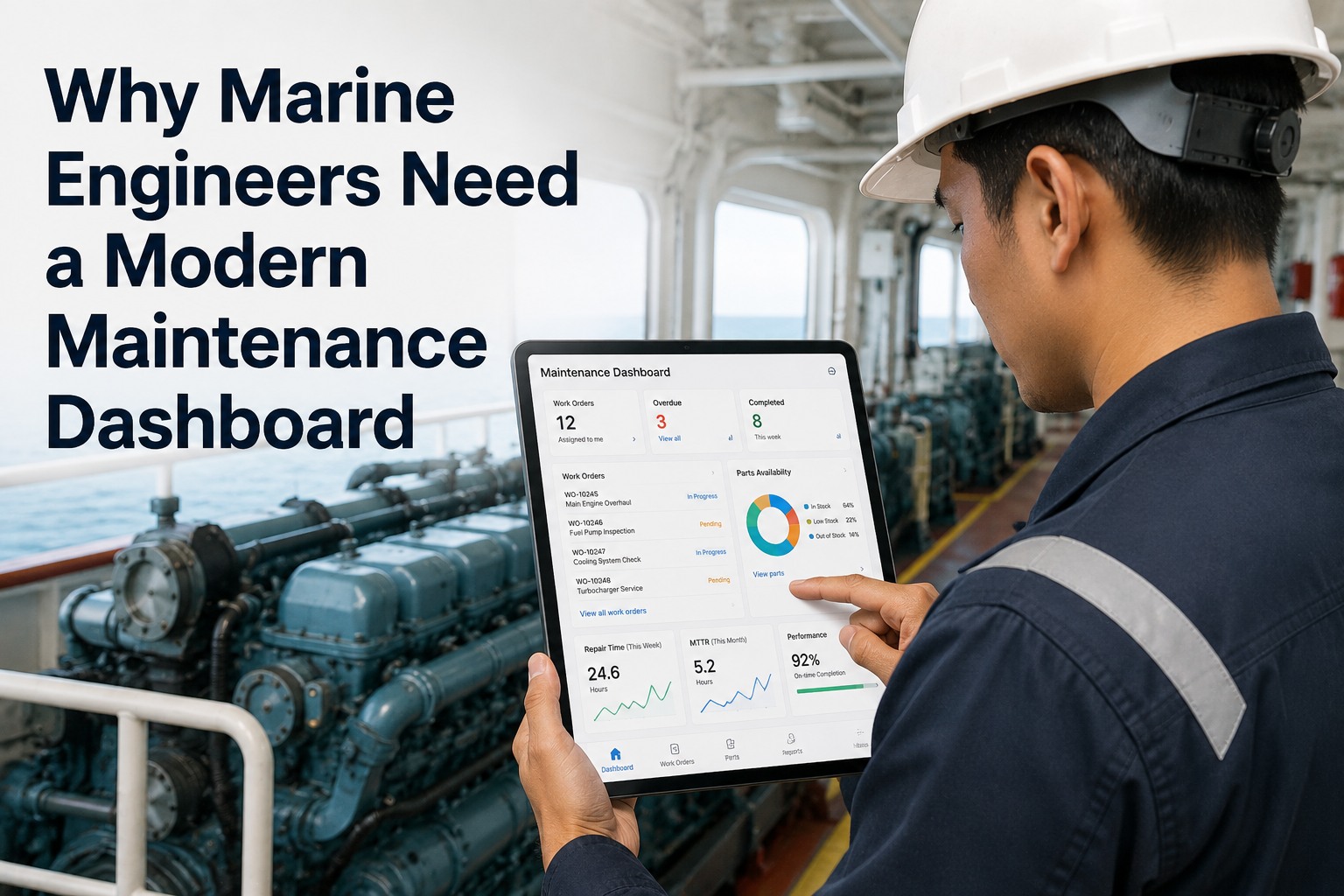
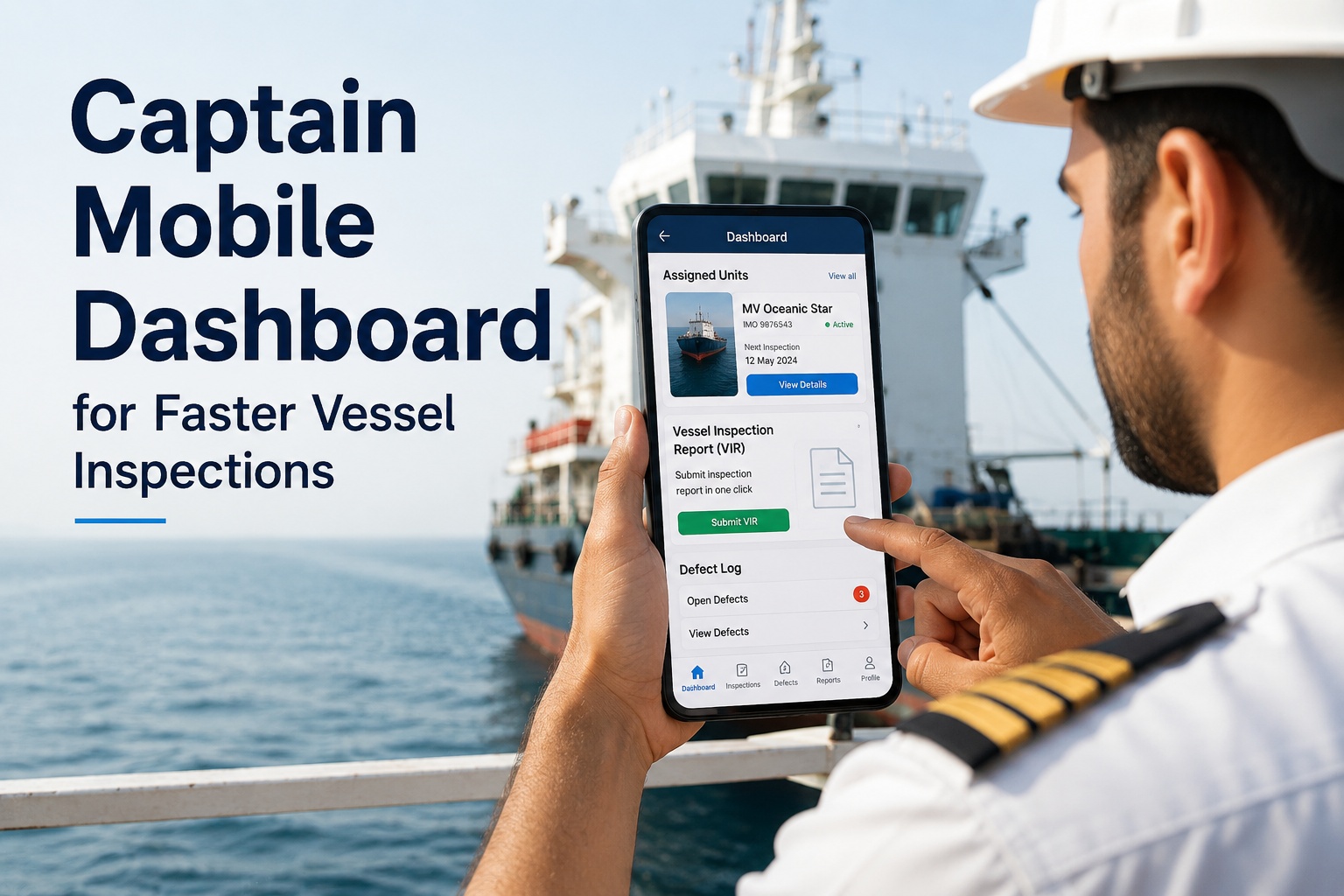
The crew member submitting an inspection report at 0347 in a vibrating engine room with one gloved hand on a railing and the other on a phone is the actual user of marine inspection software. Not the fleet manager reviewing dashboards in a Singapore office. Not the technical superintendent comparing KPIs from a Houston desk. Not the DPA reviewing audit packs from Athens. The 2nd engineer with grease on his cuffs, the bosun walking the cargo deck in 4-meter swell, the deck cadet completing a fire round with rain hitting the screen — these are the people who generate every record the shore side later reads. Whether marine inspection software actually delivers value reduces to one question: do these people use it without resentment? In 2026 the answer is decided in the first sixty seconds of crew interaction with the app, on a real phone, in a real environment, on a real watch. A genuinely mobile-first crew inspection dashboard solves this; a desktop dashboard with a mobile app bolted on does not. Start a free trial of Marine Inspection and put the app on your crew's phones to see adoption decided by the people who matter most.
For Crew · Bosuns · Junior Officers · ETOs
Built For Gloved Hands, Heavy Weather, and Zero Signal. Inspection in Sixty Seconds.
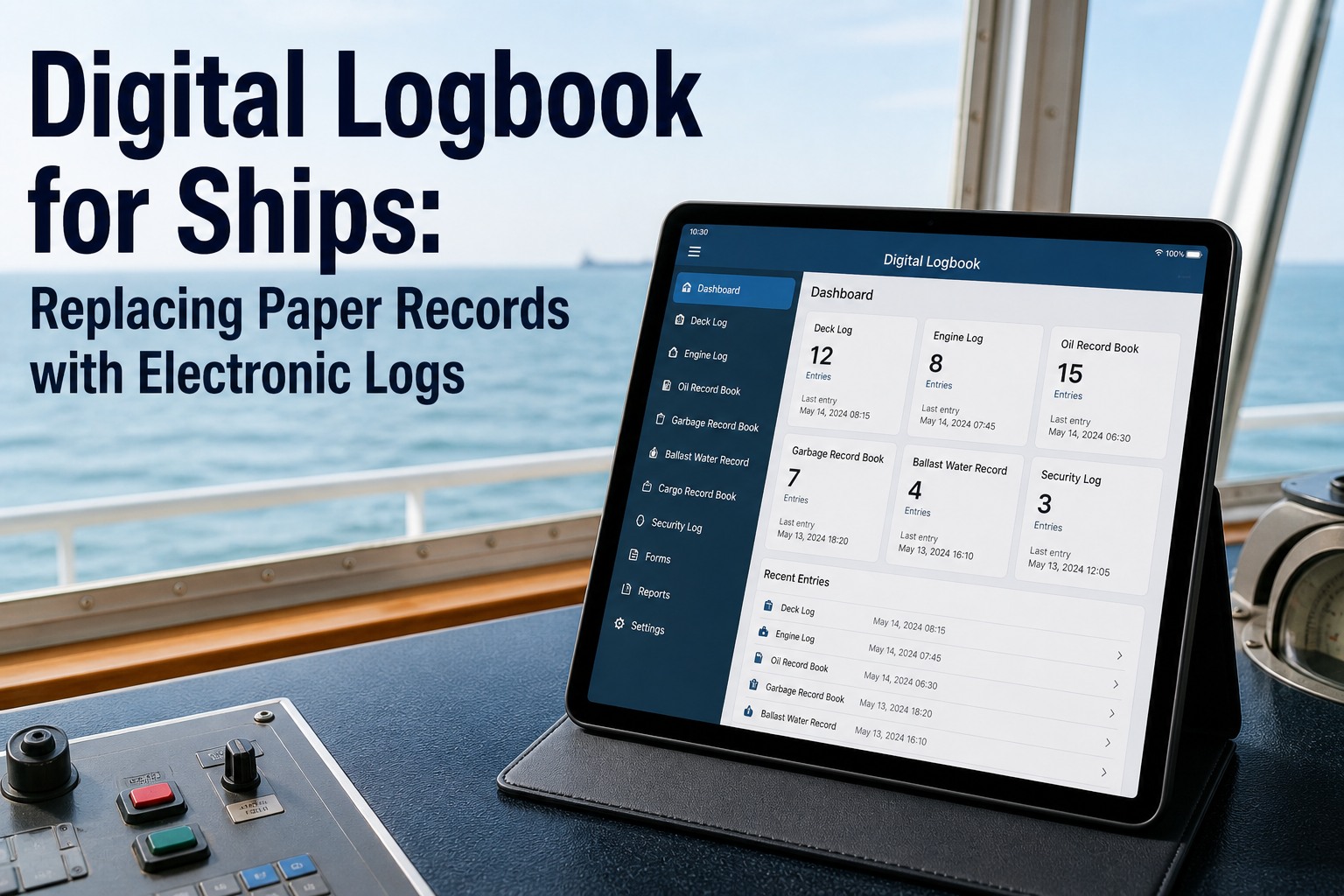
VIRs, defect reports, fire rounds, cargo checks, engine logs — all from a phone. Offline-first. Two-tap defect capture. Voice-to-text for hands-free entry. Photos and videos with auto-GPS timestamp. Designed for the crew member at 0347, not the fleet manager at 0900.
What Field Reality Actually Looks Like For Marine Crew
Most enterprise software vendors design for the office. Marine inspection software designed for the office fails on the vessel within a week. The six conditions below are the actual environment in which crew complete inspections — and the conditions that determine whether the platform produces any data at all.
01
Gloved Hands
Crew wear gloves in engine rooms, on cargo deck, during heavy weather. Tiny touch targets, hover states, and right-click menus are useless. Mobile UI must work with one finger of a thick glove on a wet screen.
02
No Signal
Mid-ocean voyages run on satellite latency in the seconds. Many vessels have hours per day with no functional shore connection. Inspection completion must work fully offline with sync on reconnection.
03
Watch Fatigue
A 0347 inspection is happening at the lowest cognitive point of a 4-hour watch. Workflows must be linear, guided, hard to mistake, and free of fork-in-the-road decisions that require thought.
04
Heavy Weather
Inspection happens in 4-meter swell, 30-knot wind, lashing rain. Phone is wet, vibrating, sometimes physically slipping. Voice-to-text and large-format buttons replace fine motor input.
05
Crew Rotation
A 4-month crew rotation cycle means new crew arrive constantly. The app must be learnable in the first 30 minutes onboard, without a training session, without reading documentation, without IT support.
06
Pencil-Whipping Pressure
Tired crew at end of watch will skip checklist items if the app allows it. Guided workflows with required fields, mandatory photos, and submission validation prevent the dangerous shortcut of fake-completing inspections.
The Mobile-First Distinction — And Why Most Marine Software Fails It
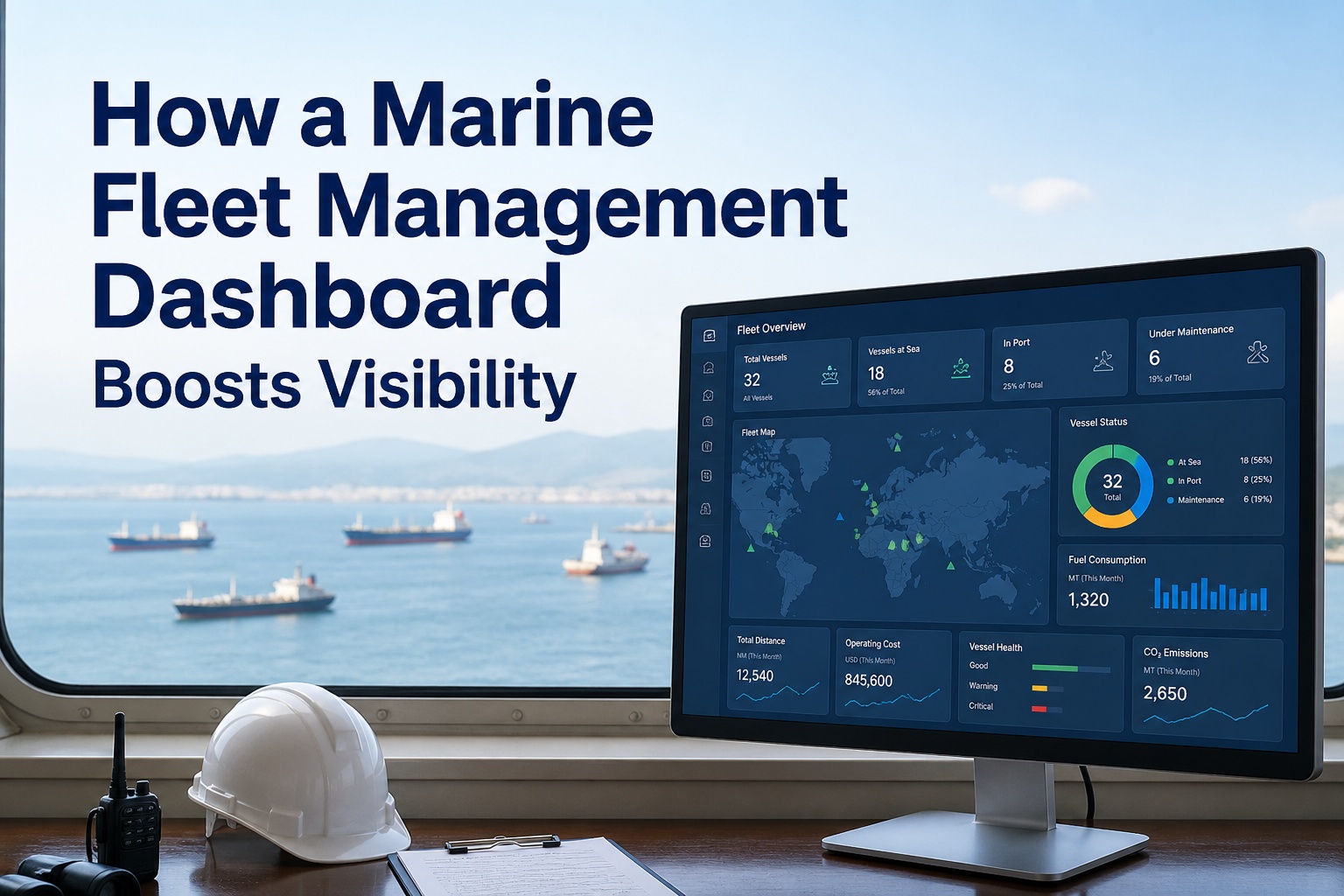
The 2026 distinction in fleet software is not "mobile-friendly" anymore. It is "mobile-first" or "mobile-broken." The difference is structural — the product is either designed phone-first with the desktop dashboard as a management overlay, or it is designed desktop-first with a phone app retrofitted later. Industry analysts report that fleet apps requiring desktop for core workflows see 30-50% lower adoption than mobile-first platforms. The cost of low adoption is not a software preference debate — it is missing data, broken audit trails, and inspections that never happened.
DESKTOP-FIRST · MOBILE BOLTED ON
Phone app shrinks desktop screens
Tiny tap targets designed for mouse
Offline mode caches reads only
Multi-screen forms break on phone
Photo upload requires WiFi
Crew adoption: 30-50% typical
Workarounds: paper backups, shared logins, screenshots
MOBILE-FIRST · DESKTOP IS THE OVERLAY
Phone app is the primary product
Large touch targets, glove-ready
Full offline create, edit, submit
Single-screen guided workflows
Photo and video work without signal
Crew adoption: 85-95% typical
Standard practice: phone for work, desktop for review
Sixty Seconds From Defect To Work Order — How Mobile Closes The Paper Gap
The single most measurable benefit of mobile-first crew inspection is the collapse of the paper-to-action gap. A defect logged on paper waits hours or days to reach the technical superintendent. A defect logged on the mobile app reaches the work order queue in under 60 seconds with photos, GPS timestamp, and severity attached. This is the workflow that eliminates the structural delay between something being wrong on a vessel and something being done about it.
01
Crew Spots Issue
2nd engineer notices unusual vibration on aux generator during round. Phone in hand. App already open to current inspection.
0:00
02
Tap Flag Defect
One tap on the inspection item. Severity dropdown appears. Crew selects "High" — three large touch targets, no scrolling, no guesswork.
0:08
03
Capture Photo + Voice Note
In-app camera opens. Photo of the unit captured with auto-GPS, vessel ID, timestamp baked in. Voice-to-text adds a 15-word note hands-free.
0:32
04
Submit (Even Offline)
Crew taps Submit. Defect record stored locally. Inspection round resumes. The crew member moves on without waiting for any sync confirmation.
0:48
05
Auto Work Order
When connectivity returns, defect syncs to shore. Work order auto-generates with photo, voice note, GPS, vessel context. Routes to technical superintendent's queue.
0:60
The Eight Mobile Capabilities That Decide Crew Adoption
Adoption is the only metric that matters in mobile crew inspection. An app that the crew refuses to use produces zero data, zero audit evidence, and zero ROI — regardless of how powerful the desktop dashboard is. The eight capabilities below are the ones that consistently separate high-adoption mobile apps from expensive shelfware. Book a crew demo to test these against your actual operational reality.
True Offline Creation
Not just offline reading. Crew can create new inspections, edit existing ones, capture photos, and submit — all without connectivity. Auto-sync when signal returns.
In-App Photo & Video
Camera opens directly in the workflow. Photos auto-tagged with GPS, vessel ID, and timestamp. Videos for vibration, smoke, leak evidence. Travels with the defect record.
Voice-To-Text Notes
Crew dictates observations hands-free while still wearing PPE. Especially critical for engine room and cargo deck where typing is impractical.
Guided Linear Checklists
Required fields prevent pencil-whipping. Each item must be completed before submission. Critical safety items require photo evidence. No item can be silently skipped.
Auto GPS & Vessel Tag
Every inspection record auto-tagged with vessel, location, timestamp, and submitting crew member. Audit trail built without crew having to enter context manually.
Two-Tap Defect Reporting
Tap inspection item, tap severity, photo captured, submit. Sub-60-second workflow from finding to filing. Speed determines whether crew bother to report at all.
Large Touch Targets
Buttons sized for gloved hands and wet screens. Minimum 44px touch targets, generous spacing, no fine-motor interactions required. Tested on actual vessel hardware.
Auto Work-Order Generation
Defect captured by crew auto-generates a work order on shore. Closes the 4-24 hour paper gap to under 60 seconds. Photo, voice note, GPS travel with the WO.
How Mobile Crew Inspection Compares to the Status Quo
Most fleets in 2026 still run crew inspection from a combination of paper logbooks, hand-typed Word reports emailed at end of watch, or desktop apps with poorly-functioning mobile screens. Each fails differently. Scroll horizontally on mobile to see the full comparison.
Crew Capability
Paper Logbook
Desktop With Mobile Skin
Mobile-First Inspection
Inspection completion time
Per item: minutes
Often abandoned mid-form
Sub-60-second workflows
Defect-to-work-order time
4-24 hours typical
2-6 hours typical
Under 60 seconds
Photo evidence capture
Separate device, manual upload
Email attachment workflow
In-app, auto-tagged, auto-attached
Offline functionality
Native (it is paper)
Read-only at best
Full create / edit / submit
Voice notes
Hand-written shorthand
Not supported
Hands-free voice-to-text
Glove-ready interface
Native
Mouse-target sizing
44px minimum touch targets
Pencil-whipping prevention
Honor system
Optional fields
Required fields, photo gates
Crew adoption rate
Forced by routine
30-50% typical
85-95% typical
Audit trail granularity
Handwriting, no timestamp
Submission timestamp only
Full action log per record
Crew rotation handover
Binder explanation
Account creation + training
Login + 30-min self-onboard
Time to first useful data
Day one
Weeks of training
First watch onboard
Cost of forms used elsewhere
Reprinted manually
Per-user license cliffs
Flat per-vessel pricing
Crew-First Demo
Test The App Where Adoption Is Decided — On Real Crew Phones
A 30-minute walkthrough run through the mobile app on an actual phone, against your actual inspection types, with the team that will use it. Crew test in their own environment. The walkthrough surfaces friction the demo room cannot.
Generic inspection apps require fleets to build templates from scratch. Marine-native crew apps ship with the inspection types crew actually run, pre-configured for VIR submission, defect capture, statutory compliance, and routine watch rounds. The library covers the practical envelope of commercial fleet operations across deck and engine departments.
VIR
Vessel Inspection Report
Standard VIR submission templates with section-by-section completion, photo evidence per section, master sign-off workflow, and auto-routing to shore for review and class society sharing.
FIRE
Fire Round & Safety Equipment
Hourly fire rounds with QR-code scan per station, equipment status capture, defect flagging with photo, and time-stamped audit trail meeting SOLAS Chapter II-2 evidence expectations.
CARGO
Cargo Deck Walkround
Cargo securing, lashing checks, container integrity, hold ventilation, deck closures. Photo evidence per item. Auto-flag of defects against next-port repair queue.
ER
Engine Room Round
4-hourly engineer rounds with main engine, auxiliaries, fuel system, lube oil, cooling, electrical, and machinery space safety items. Voice-to-text for hands-free entry while gloved.
PSC
Pre-PSC Self Inspection
Port State Control readiness checks before arrival. Common deficiency categories pre-loaded. Crew completes vessel-side self-audit, surfaces gaps for shore review and intervention.
SIRE
SIRE 2.0 Pre-Vetting
Crew-driven pre-vetting checks against SIRE 2.0 question library. Photo evidence captured per area. Master and chief engineer counter-signs. Ready-to-submit pack for vetting inspector arrival.
Why Marine Inspection Wins Crew Adoption
Marine Inspection delivers the mobile-first crew dashboard built for the actual environment in which crew operate — gloved hands, no signal, end-of-watch fatigue, crew rotation cycles, and the practical reality of a phone in a wet engine room at 0347. Start a free trial or book a live walkthrough to see crew adoption decided where it actually matters.
True Offline-First Architecture
Full create, edit, photo capture, and submit work without any connectivity. Records sync automatically when signal returns. No "cached read-only" half-measure.
Sub-60-Second Workflows
Two-tap defect capture. Single-screen guided forms. In-app camera with auto-GPS. Voice-to-text for hands-free entry. Designed for the crew member at 0347, not the office at 0900.
Glove-Ready Touch Targets
44px minimum touch targets, large-format buttons, generous spacing. Tested on actual vessel hardware in actual engine room conditions. No mouse-target retrofits.
Pre-Built Marine Inspection Library
VIR, fire round, cargo walkround, engine room round, pre-PSC, SIRE 2.0 — all pre-configured. No template-building project required. Crew start day one onboard.
Auto Work-Order Generation
Defect captured by crew auto-generates work order on shore with photo, voice note, GPS, and severity. Closes the 4-24 hour paper gap to under 60 seconds.
30-Minute Self-Onboarding
New crew member learns the app in the first 30 minutes onboard. No training session, no IT ticket, no documentation reading. Login and run the first round.
Adoption Decided On Crew Phones
Stop Buying Software Crew Won't Use. Start With Crew-First Adoption.
Mobile-first inspection dashboard built for gloved hands, no signal, and end-of-watch fatigue. VIR, fire round, cargo, engine room, pre-PSC, SIRE 2.0 templates pre-configured. Sub-60-second defect capture. Auto work order generation. 30-minute crew self-onboarding. Free trial available now.
What does mobile-first actually mean for marine inspection software?
Mobile-first means the phone app is the primary product and the desktop dashboard is the management overlay — not the reverse. The distinction is structural: a mobile-first product is designed phone-first with full functionality on the phone (offline create, edit, photo capture, submit), with the desktop providing aggregation and review. A desktop-first product with a mobile skin gives crew a shrunken version of office screens, tiny touch targets designed for mouse interaction, and offline modes that often only cache reads. In 2026 industry analysts report fleet apps requiring desktop for core workflows see 30-50% lower adoption than mobile-first platforms — and adoption is the only metric that matters in crew inspection software.
How does offline mode actually work?
True offline-first marine inspection software stores all inspection templates, vessel data, and historical records locally on the device the moment the crew member logs in. Without any internet connection the crew can: complete inspections (open new ones, edit existing ones), capture photos and videos via the in-app camera with full GPS and timestamp tagging, record voice-to-text notes, flag defects with severity and photo evidence, and submit completed records — all stored in the local database. When connectivity returns (port WiFi, satellite link, cellular signal), the app automatically syncs all locally-stored records to shore in the background without crew intervention. Crew never wait for sync confirmation; they move on to the next task.
What does "sub-60-second" workflow mean in practice?
A defect spotted on a round, captured with photo evidence, documented with a voice note, severity-tagged, and submitted in under 60 seconds. The flow is: tap the inspection item flagged as concerning (under 5 seconds), tap severity from a three-button selector (under 5 seconds), tap photo to open in-app camera and capture image with auto-GPS and timestamp (15-25 seconds), optionally record a voice-to-text note (15 seconds for 15 words), tap submit (1 second). Total typical: 40-60 seconds per defect. The work order auto-generates on shore the moment connectivity returns. Compared to paper logbook (4-24 hours from defect to work order) or desktop apps with mobile skins (2-6 hours typical), the speedup is measured in orders of magnitude.
How does the app prevent pencil-whipping?
Pencil-whipping — the practice of a tired crew member rapidly fake-completing inspection items without actually checking them — is the single largest data-quality risk in any inspection program. Mobile-first apps prevent it through guided workflows that enforce completion of required fields before submission, mandatory photo evidence for safety-critical items (item cannot be marked complete without an attached photo), conditional logic that asks follow-up questions when readings are out of normal range, time-stamp logging of inspection start/completion to detect impossibly fast rounds, and submission validation that flags inspections completed in under a realistic minimum time. The combination shifts the path of least resistance from fake-completion to actual-completion.
How does crew rotation handover work?
Crew rotation in 4-month cycles is a maritime-specific operational reality. Mobile-first marine inspection apps handle it through self-onboarding designed for the first 30 minutes after the new crew member arrives: account already provisioned by shore-side admin, mobile app installs and logs in via SSO or simple credentials, vessel data and inspection templates auto-load offline, in-app guided tour walks through the first inspection workflow, and the crew member runs their first round with confidence. No training session required, no IT support call, no documentation reading. The outgoing crew member's records remain attributable to them with full audit retention; the incoming crew member's records start under their own attribution. Continuity preserved without ambiguity.
What inspection types are pre-built?
Marine-native crew inspection apps ship with the inspection types crew actually run on commercial vessels: VIR (Vessel Inspection Report) submission templates with section-by-section completion and master sign-off, fire round and safety equipment checks (hourly with QR-code per station, SOLAS Chapter II-2 evidence), cargo deck walkround (lashing, containers, hold ventilation, deck closures), engine room round (4-hourly engineer rounds with main engine, auxiliaries, fuel system, lube oil, cooling, electrical, machinery space safety), pre-PSC self-inspection (Port State Control readiness checks before arrival with common deficiency categories pre-loaded), SIRE 2.0 pre-vetting (crew-driven pre-vetting checks against SIRE question library with master and chief engineer counter-signs). Generic inspection apps require fleets to build all of this from scratch — typically months of template-building before first useful crew interaction.
How does Marine Inspection deliver the crew app?
Marine Inspection delivers a true mobile-first crew inspection dashboard with full offline create / edit / submit, in-app camera and video with auto-GPS and timestamp, voice-to-text for hands-free entry, two-tap defect reporting with severity, large 44px+ touch targets sized for gloved hands, pre-built marine inspection library covering VIR, fire round, cargo walkround, engine room round, pre-PSC, and SIRE 2.0, auto work order generation closing the defect-to-WO gap to under 60 seconds, 30-minute self-onboarding for new crew at rotation, and a desktop dashboard for shore-side review and aggregation as the management overlay rather than the primary product. Free trial gives crew direct access to the app on their own phones to test in actual operating conditions before commitment.
How do we get started?
Two paths. Path one: start a free trial directly. The mobile app downloads from iOS App Store and Google Play. Crew log in with sample credentials and run the first inspection within minutes. The trial uses sample fleet data so crew can test the offline mode, photo capture, voice notes, and submission flow without any commitment. Path two: book a 30-minute crew demo with a Marine Inspection product expert who walks through the app on actual phones with your team — surfacing friction the demo room cannot. The crew demo runs on real inspection templates against your actual operating conditions. Both paths converge if you decide to implement, with phased onboarding by vessel cohort. The mobile app is the primary deliverable; shore-side dashboard configuration follows.